> ## Documentation Index
> Fetch the complete documentation index at: https://docs.daven.ai/llms.txt
> Use this file to discover all available pages before exploring further.
# 생성 결과물 설정 방법
* 인포그래픽형 신문 형태, 쇼츠(숏폼), 카툰 등 다양한 형태의 결과물 형식을 정할수 있습니다.
* 자신이 만든 캐릭터나 로고 등을 출력물에 반영할수 있습니다. 상세한 적용은 고급 설정에서 결과물 관련 프롬프트에 및 기타 설정을 적용하시면 됩니다.
* 결과물은 시리즈에 반드시 할당이 되어야 합니다. 자동화 에이전트로 생성된 결과물은 해당 시리즈에 자동으로 분류됩니다.
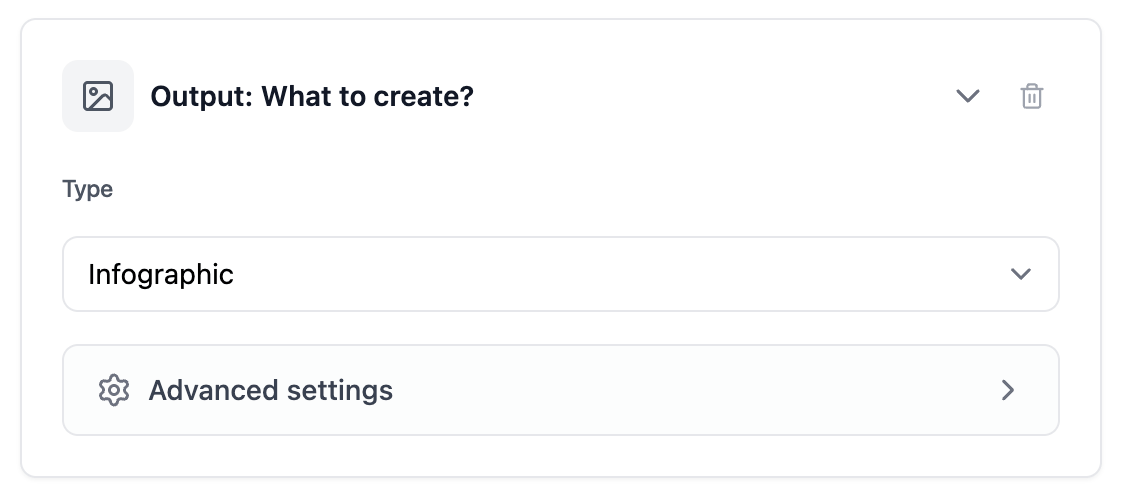 * 인포그래픽형 신문 형태, 쇼츠(숏폼), 카툰 등 다양한 형태의 결과물 형식을 정할수 있습니다.
* 자신이 만든 캐릭터나 로고 등을 출력물에 반영할수 있습니다. 상세한 적용은 고급 설정에서 결과물 관련 프롬프트에 및 기타 설정을 적용하시면 됩니다.
* 결과물은 시리즈에 반드시 할당이 되어야 합니다. 자동화 에이전트로 생성된 결과물은 해당 시리즈에 자동으로 분류됩니다.
* 인포그래픽형 신문 형태, 쇼츠(숏폼), 카툰 등 다양한 형태의 결과물 형식을 정할수 있습니다.
* 자신이 만든 캐릭터나 로고 등을 출력물에 반영할수 있습니다. 상세한 적용은 고급 설정에서 결과물 관련 프롬프트에 및 기타 설정을 적용하시면 됩니다.
* 결과물은 시리즈에 반드시 할당이 되어야 합니다. 자동화 에이전트로 생성된 결과물은 해당 시리즈에 자동으로 분류됩니다.