> ## Documentation Index
> Fetch the complete documentation index at: https://docs.daven.ai/llms.txt
> Use this file to discover all available pages before exploring further.
# How to configure output
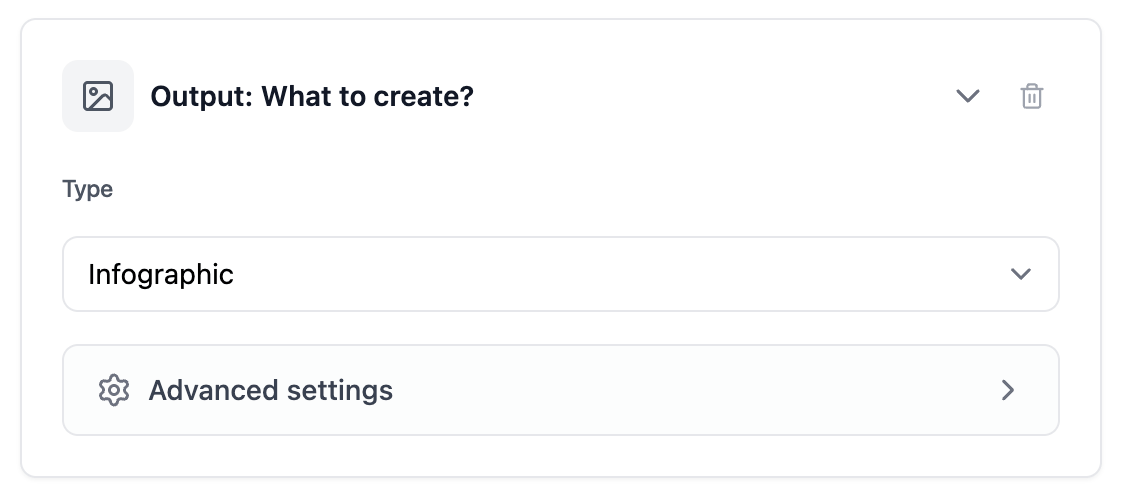 * You can choose from various output formats such as infographic newspapers, shorts, cartoons, and more.
* You can reflect characters or logos you created in the output. For detailed application, use advanced settings to configure output-related prompts and other options.
* Output must be assigned to a series. Content generated by Automation Agent is automatically categorized into that series.
* You can choose from various output formats such as infographic newspapers, shorts, cartoons, and more.
* You can reflect characters or logos you created in the output. For detailed application, use advanced settings to configure output-related prompts and other options.
* Output must be assigned to a series. Content generated by Automation Agent is automatically categorized into that series.