> ## Documentation Index
> Fetch the complete documentation index at: https://docs.daven.ai/llms.txt
> Use this file to discover all available pages before exploring further.
# What's New
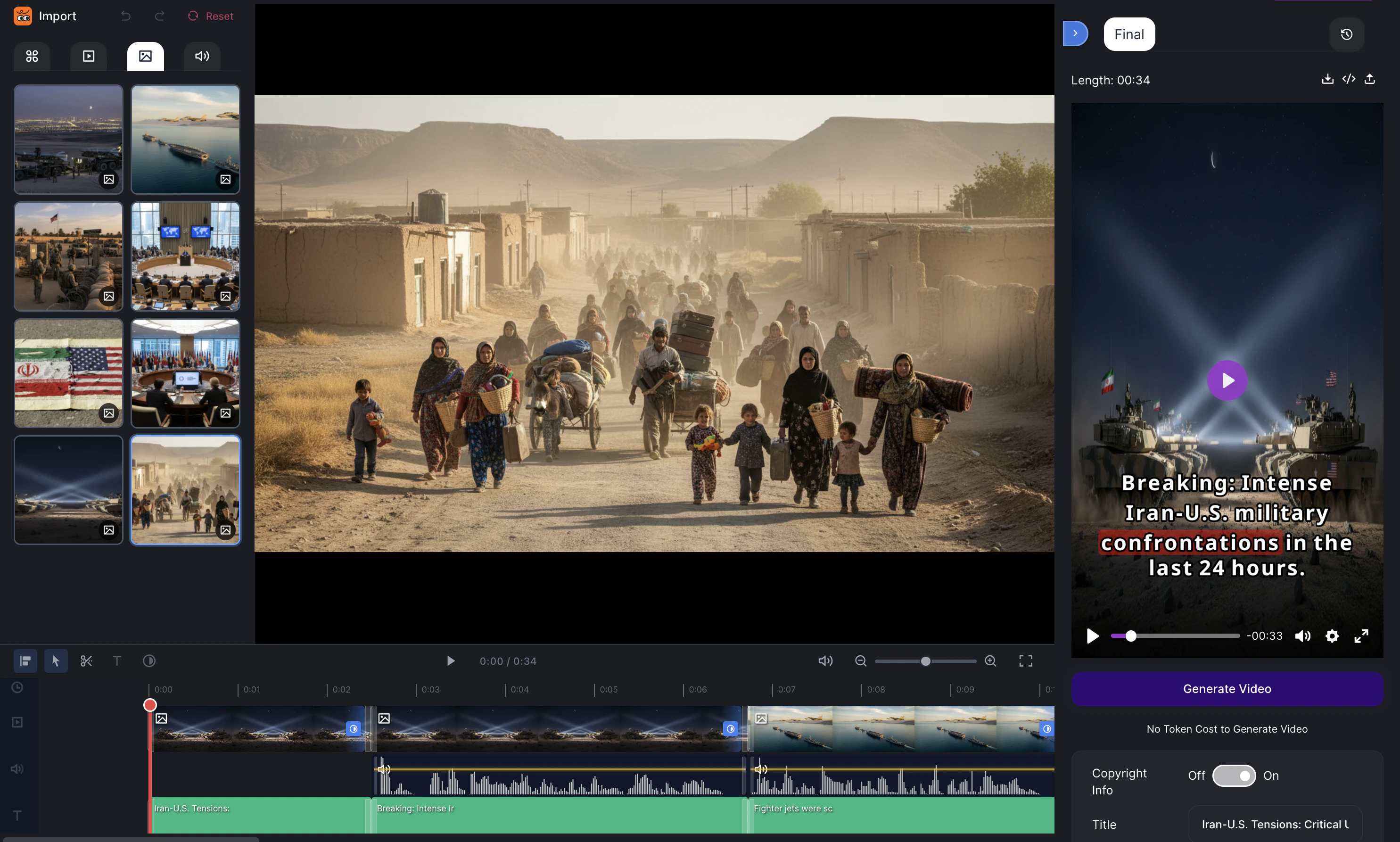 ## Timeline Editor is now available.
Open Timeline Editor from **Create** tools, or from the top of **Library > Folder**.
* Place video, audio, images, and more on a timeline and edit them.
* Create and apply various sound effects that fit your video.
* Import music you created and use it as background music.
* Adjust timing and volume per audio track. This enables lip sync.
* Export your edits as a video.
## Timeline Editor is now available.
Open Timeline Editor from **Create** tools, or from the top of **Library > Folder**.
* Place video, audio, images, and more on a timeline and edit them.
* Create and apply various sound effects that fit your video.
* Import music you created and use it as background music.
* Adjust timing and volume per audio track. This enables lip sync.
* Export your edits as a video.
 ## Folder feature
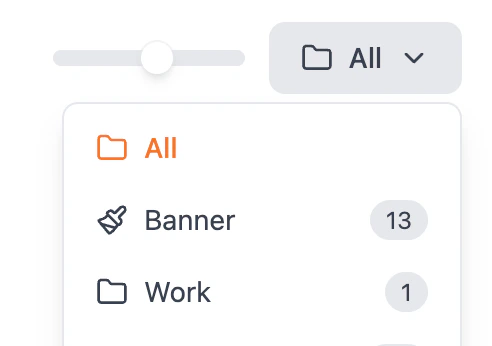
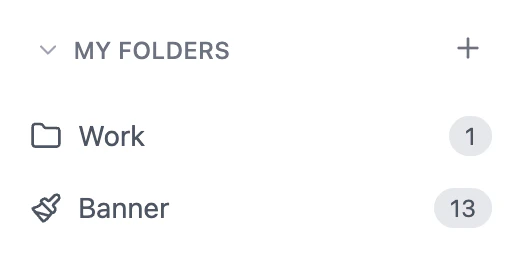 Folders are now available in the Library.
* Create folders in **Library** to organize your content.
* When generating images, videos, or music, you can assign a folder for the output.
Folders are now available in the Library.
* Create folders in **Library** to organize your content.
* When generating images, videos, or music, you can assign a folder for the output.