Timeline Editor is now available.
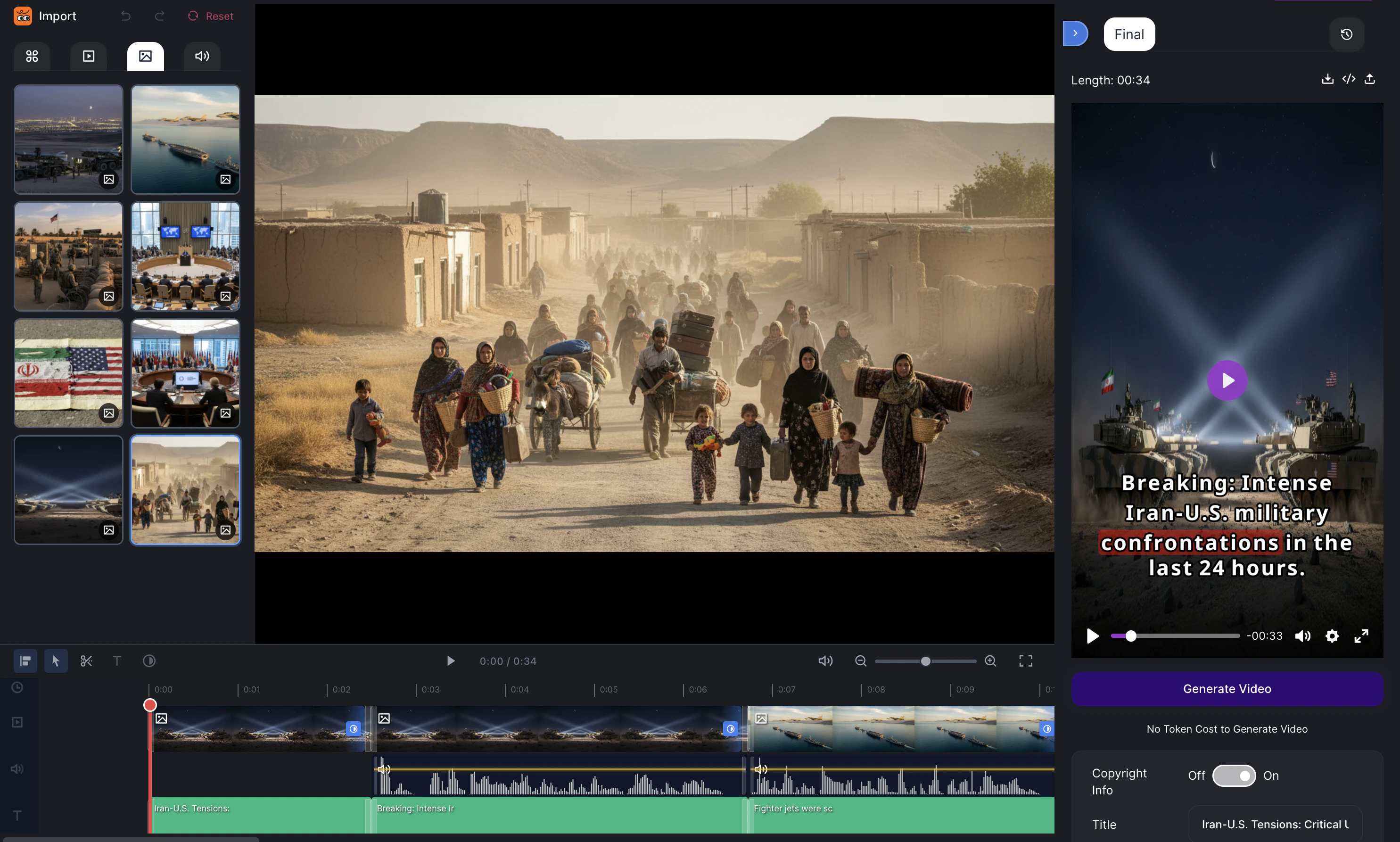
Open Timeline Editor from Create tools, or from the top of Library > Folder.- Place video, audio, images, and more on a timeline and edit them.
- Create and apply various sound effects that fit your video.
- Import music you created and use it as background music.
- Adjust timing and volume per audio track. This enables lip sync.
-
Export your edits as a video.